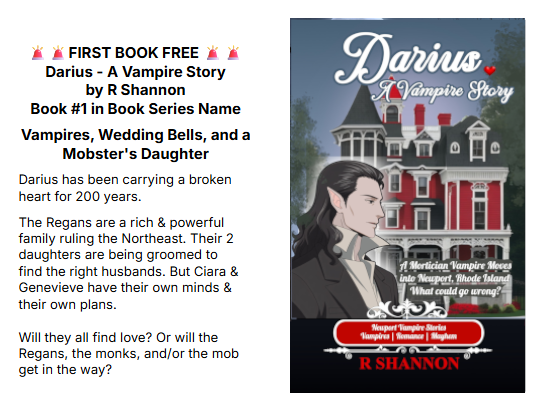
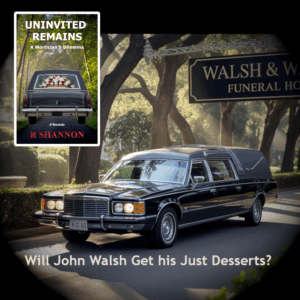
John Walsh is a successful funeral director with a loving family but he has a weakness for other women. The modern world thinks cheating is a victimless crime, but is it?
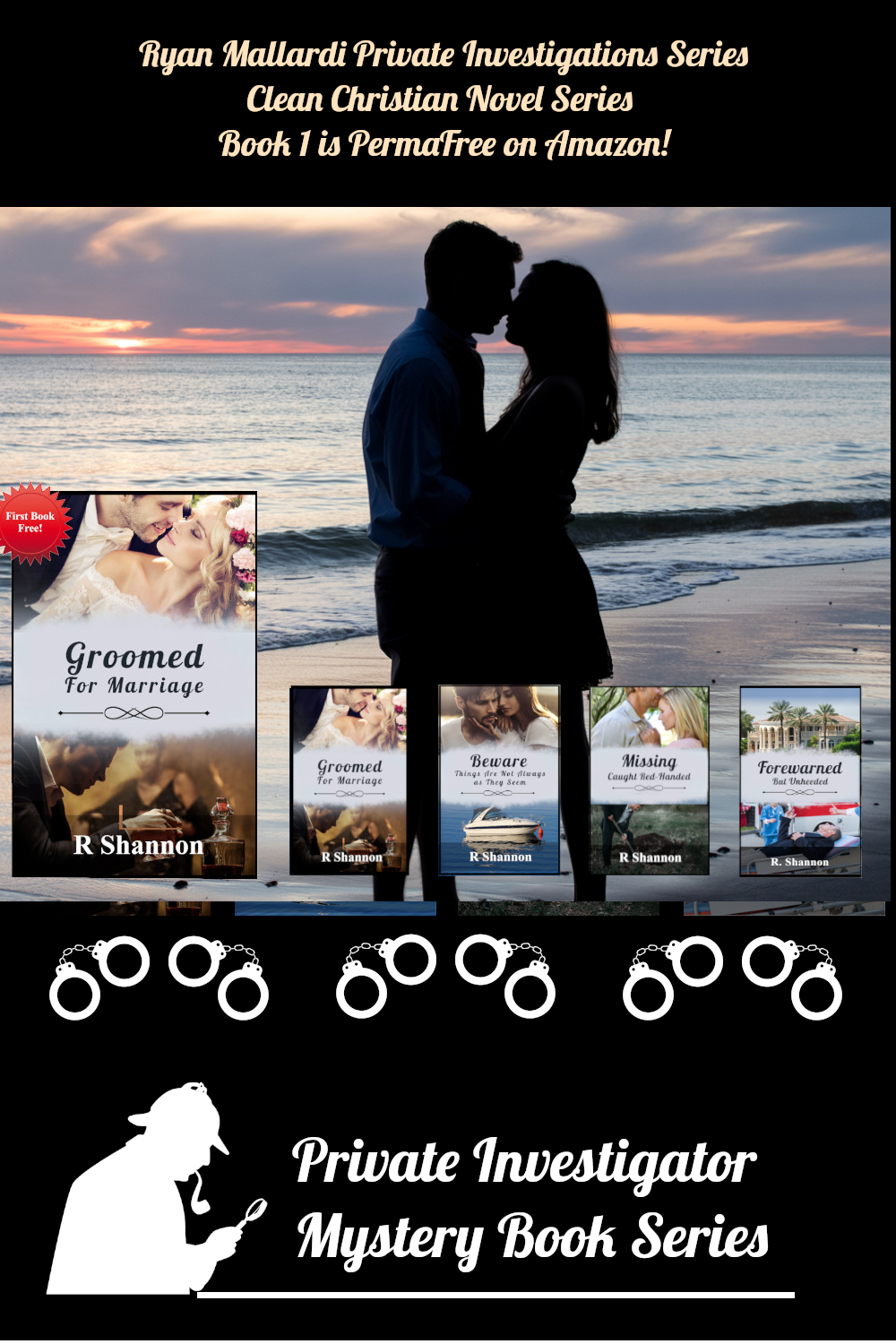
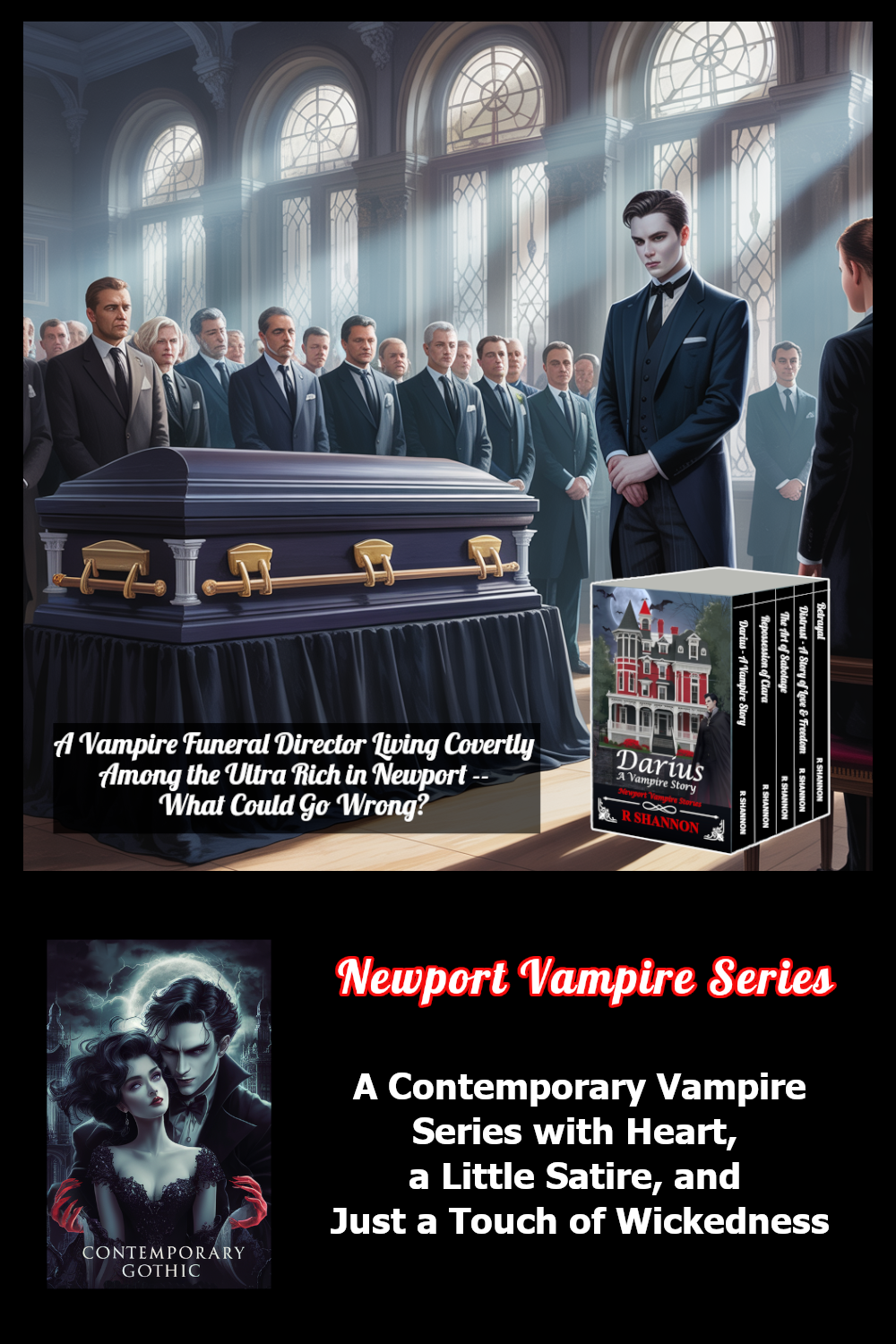
Click on the graphic of my books and you will be brought to a page on my website where you can read a sample of my books in your browser. It's much easier than downloading samples from Amazon.
Check back often as I give away books all the time.
I have heard that many, many tech workers have been let go due to AI. I am looking to start a new Catholic Ministry to help these people. First I need to find out if there is a need to get jobs for enough Catholic men or women.
I am thinking of either employment agency and/or online business to offer tech services, websites, database services, etc. This is not a come on to make money. This is meant to test the waters to see if there are any Catholics who have been caught up in this recent purge.
If you are Catholic and have been let go of some other type of work, I welcome you to also fill out the form as “helping to get employed” is the nature of the ministry.
John Walsh is a successful funeral director with a loving family but he has a weakness for other women. The modern world thinks cheating is a victimless crime, but is it?
Click on the graphic of my books and you will be brought to a page on my website where you can read a sample of my books in your browser. It's much easier than downloading samples from Amazon.
Check back often as I give away books all the time.
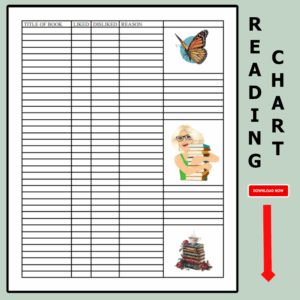
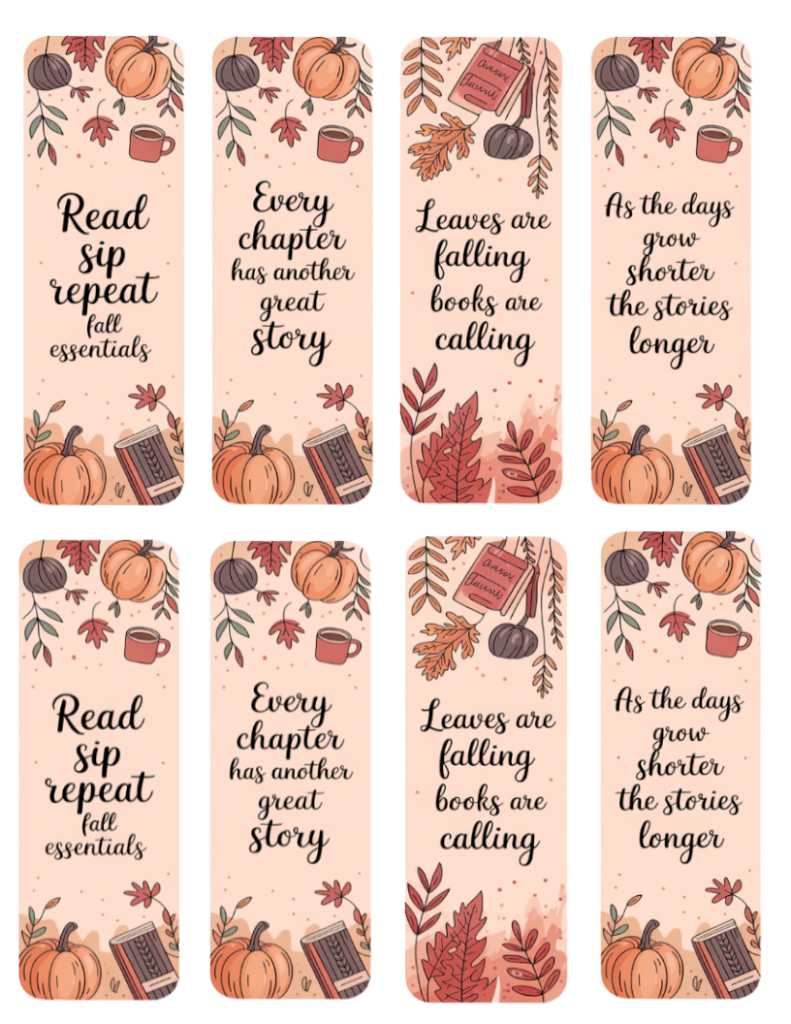
Click here or above and you can download a PDF of the Autumn Reading Themed bookmarks. Passing a simple bookmark is a way to let someone special know you are thinking of them. Use them as giveaways at craft shows. Insert them into your giveaway books. Let one hang from the bow on a birthday gift. They are the perfect Tiny Gift for All Occasions.
Every author knows what a great feeling it is to publish your first book. Even when publishing additional books, it's still a great feeling of accomplishment. However, once any book is published, it's then time for an author to turn their attention to marketing the book. This is where it can get a little tricky.
Jumping around on social media
Most authors I know are generally shy, camera shy, quiet, reserved, or not comfortable jumping around on social media to create buzz about their book. I know exactly how they feel.
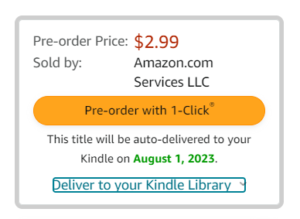
Once you do focus on book marketing, every author is always looking for book events, holidays, new ideas, or reasons to create a marketing campaign around. By opting to list the book as a pre-order, this becomes an event in the life cycle of the book. It's an event that can cover one month of time and present several opportunities to talk about it as a marketing approach. It can also be included as a pre-order in an author's weekly or monthly newsletter.
Another advantage of a pre-order on Amazon, you can list the price higher than it will be once it is released. While at this price on pre-order, any Advanced Reader Campaign will be seen as a better deal to get for free in exchange for a review when the book is released. Lowering prices after a product loses it's shiny and new status is very common in the world of marketing.
By setting the Release date a month away -- or more, you can offer a free download on giveaway websites like Bookfunnel or StoryOrigin. Then after the release, you can email these readers and ask for a review.
THE BENEFITS OF PRE-ORDERS ON THE DAY OF RELEASE:
Amazon will send an email around to people who are following you on your author page. I have included a picture of the upper email so you can see it.
Another marketing promotion can revolve around an invitation to follow you on Amazon or AuthorCentral. You can include this invitation when you announce your Pre-Order or you can even do this campaign before your book is up for pre-order. Those more-seasoned authors will know what I mean by creating opportunities to post about your book that is a slightly different angle than here's my book with a link to purchase it. That marketing approach gets old very fast.
The more followers you accumulate, the broader the pre-order and new release campaign will get. I actually found the Amazon count for my followers which I was shocked to see. If I had to guess how many I had before seeing this number, I would have guessed maybe 40 -- with my eyes closed and fingers crossed. I missed out on this hidden marketing opportunity for the first years of my self-publishing and marketing efforts, so learn from my mistake!
ANOTHER MARKETING EFFORT TO INCLUDE INSIDE THE BOOK:
I use a Note to Reader page at the back of all of my books. On this page, I thank the reader for choosing my book to read and also a link to a questionnaire if they want to give me additional feedback. I also include my email in case anyone wants to contact me about the book or for any other reason.
I will be adding a request to follow me on Amazon with a link to my author page, so readers can follow me if they choose to.
TIP FOR THE NEWBIES: When you are scrounging around for another reason to build a marketing campaign around, take a screen shot of your author page and the follow button, with a post about following you to hear about your upcoming book releases. This can be used over and over again right before you get ready to release a new book.
The target of Amazon's email is the author's followers. Everything else involved in who Amazon chooses to notify about the release of your book is proprietary, so no one can say. There is more marketing tip for you as the author that I go into below.
ANOTHER FREEBIE FROM AMAZON:
Above is another screen shot from the email about my new release. This shows three other authors that Amazon includes in an Customers also bought items by with similar authors' names. This information is a HUGE giveaway to you as an author. This information comes from the Amazon algorithms and you can be sure these are the best authors that match your new release.
I would suggest that you follow these authors to see if you can learn anything from how they market to their readers using Amazon. I have followed my three authors and I'll make another blog post if I find any other ways to use this feature at Amazon.
ONE MORE SLIGHTLY-OFF-TOPIC TIP: The names of these similar authors can be valuable when running Amazon ads. I use a tool called Publisher Rocket, which is a paid tool, and they offer this kind of information. With a new release, Amazon is giving you this information for free!
I hope this helps new and seasoned authors alike. Check back to my website often as I do post weekly.
Blogging can be used in many ways. It can be an author diary where you show workflow, give updates on what you are writing, etc. It can help authors establish an online presence and interact with your readership.
A website with an attached blog can be used to also promote your books, and any promotions you have with your books.
It can be a way to test out new characters. Write a very short story introducing a new character and get some feedback from your readership.
Blogging can help you as an author, who probably works alone, to connect with other authors, writers and your readers.
Blogging is also a great way for you, as an author, to 'pass it forward' to younger and/or new authors. Share your experiences. Think about saving new authors time in their own learning curves. It's a way of giving back and passing it forward.
How to Start Blogging
Choose a blogging platform. There are many different blogging platforms available, such as WordPress, Blogger, and Tumblr. You can even use Substack as a website and/or a blogging platform.
Choose a domain name and web hosting provider. Your domain name is your website's address, and your web hosting provider is the company that stores your website's files.
Install your blogging software. Once you have chosen a blogging platform, you will need to install the software on your web hosting account.
Create your blog's appearance. You can customize the appearance of your blog by choosing a theme and adding widgets.
Start writing blog posts!
What to Blog About?
Blog about topics that you are passionate about.
Blog about topics that you are knowledgeable about.
Blog about topics that are relevant to your target audience.
Blog about topics that are timely and interesting.
Blog about topics that are visually appealing.
How Often Should You Blog?
There is no right or wrong answer to this question. The frequency at which you blog will depend on your own personal preferences and goals.
If you are just starting out, it may be helpful to blog several times a week. This will help you to build an audience and establish a regular presence online.
Once you have established a following, you can gradually reduce the frequency of your blog posts.
How to Promote Your Blog
Share your blog posts on social media.
Guest blog on other websites.
Submit your blog posts to directories and search engines.
Run email marketing campaigns.
Attend industry events and conferences.
Network with other writers and bloggers.
Post articles that can help fellow readers or writers.
Offer giveaways in order to get emails to grown a newsletter.
How to Monetize Your Blog
There are a number of ways to monetize your blog, such as:
Displaying ads for 3rd parties
Selling products or services on your blog: Tshirts, mugs, hats, etc.
Charging for access to premium content
Creating affiliate marketing partnerships
If you are not enrolled in Kindle Select, sell eBooks, Paperbacks & Hardcovers from your website.
Tips for Successful Blogging
Be consistent. The key to success with blogging is to be consistent with your posting schedule.
Be original. Don't just copy and paste content from other websites. Write your own unique content that will engage your readers.
Be social. Share your blog posts on social media and interact with your readers.
Decide ahead of time how much you want to let your hair down. If you give your viewership and readership a behind the scenes look at authoring -- or whatever it is you do -- this can be more popular than a series of dry informational blogs. But there are various degrees of revelation and levels of intimacy. Think hard before you choose your level of exposure.
Be patient. It takes time to build a successful blog. Don't get discouraged if you don't see results overnight.
IN CONCLUSION:
Having a website is a commitment. However, it can start out as a showplace for your books and be nothing more until you reach a point where you have things and interests to share about.
Decide ahead of time that you won't use building a website or establishing a web presence on another platform (Instagram, WordPress, or Substack) as a battering rod on yourself. Decide ahead of time that this will enhance what you are presently doing, but it won't add to your "to do list," at least not until writing a blog post and peppering it with images, graphics and/or clickable links becomes second nature.
Be sure to check back to ReadFirstChaper.com often. I do post new book releases, new how-to articles for fellow writers, free giveaways, and more!
John Walsh is a successful funeral director with a loving family but he has a weakness for other women. The modern world thinks cheating is a victimless crime, but is it?
John Walsh is a successful funeral director with a loving family but he has a weakness for other women. The modern world thinks cheating is a victimless crime, but is it?
Click on the graphic of my books and you will be brought to a page on my website where you can read a sample of my books in your browser. It's much easier than downloading samples from Amazon.
Check back often as I give away books all the time.
John Walsh is a successful funeral director with a loving family but he has a weakness for other women. The modern world thinks cheating is a victimless crime, but is it?
Click on the graphic of my books and you will be brought to a page on my website where you can read a sample of my books in your browser. It's much easier than downloading samples from Amazon.
Check back often as I give away books all the time.
This blog post will be a peek behind the author workflow in Layer 5 of my Novel Writing in Layers Series. I am writing Book 6, Majestic Landings, in my police procedural series, Jack Nolan Detective Series.
Let me set the table, so to speak, about where I am in the book right now. I just finished Layer 4 which is the Down and Dirty First Draft, which I believe is the hardest layer to write.
BEGINNING LAYER 5
Above is a snapshot of the book as it now exists in Scrivener, which is the program I write Layers 1 to 6 in. I have gone ahead and filled in a few of the scenes so that I can explain to you what I do in Layer 5.
ON THE LEFT SIDE IS THE BINDER: The top folder is called draft, which is a default in Scrivener. Each sub-document is one scene in the novel. I also add in a few blank documents between Parts 1, 2, 3 and 4, so I can see how the story action is balancing inside the plot structure.
IN THE CENTER PANEL: This is where I write the scenes.
ON THE RIGHT SIDE IS THE INSPECTOR WINDOW: This section allows you to add a scene synopsis on another tab, but above, I have captured what it looks like on the Metadata Section.
WHAT HAPPENS IN LAYER 5?
This is my first layer of proofreading. I only focus on the following things in this layer of writing.
1. Making sure the scenes line up and flow smoothing and fill in the Synopsis box if I forgot to do it in Layer 4. I have a snapshot of the Synopsis box to the right or below. This allows me to look at my work in the Outline Mode where I can see the novel from a bird's eye view.
Since it's in the photograph here, I will also mention that I copy my scene outlines and paste them into the Notes section in case I want to review them.
2. I enter all of the character descriptions and location descriptions in this layer too.
3. I also check on the crime and investigation timeline as well as the novel timeline.
3A: The crime timeline I track with the metadata, which I will mention again below. I also use the Scrivener Highlighter to set off anything that references the crime timeline. This way, towards the end of this layer, if I decided to tighten up the timeline or find out I need a little extra time, it is very easy to quickly scroll through the novel and find any references to the timeline easily.
3B: All novels have a timeline too. A crime novel is usually a day to several weeks; whereas Gone with the Wind cover years and years. In each scene, I start with a little template referencing the point of view, the time/location and the clues/purpose.
As stated above, I read through the scenes, making sure that the last scene flows into the next scene. For example: If my detectives 'get into the car to return to the station,' I make sure I'm not referencing where they were before they got into the car, and stating again that they are entering the car.
I also watch my novel timeline to make sure the timing in the day is lining up with what's possible for human beings. In my humble opinion, authors have a lot of leeway to stretch the day, if needed, but if we go overboard, at some point, it pulls the reader's mind out of the book when they realize there's too much activity for one day as humans. By keeping an eye on the novel timeline, this prevents me from stretching a little too much.
THE METADATA - HOW AND WHY TO ADD CUSTOM META DATA.
Some authors probably don't use the metadata section and that's fine. But I like to look at the novel in the Outline Mode and this is where the custom metadata comes into play.
Every novel is different, so I am focusing on different things in each one. In this novel, there are multiple suspects, all of whom have shaky alibis, so the crime timeline and some other things are very important. So in this novel, I created metadata sections as follows:
Major Event - What happens in the scene
Technical information - Names, addresses, where body was found, first witness, etc.
Clues dropped - Chronological list of clues that drop
Time Line of the Crime - Time of death, time body was found, etc.
Relationships - Romantic Subplot and Character Arcs
WHAT'S NEXT IN LAYER 5?
Once I proofread all the way through, add in the descriptions, and my meta data, then I want to look at certain things to check on myself. I can set up the Outline Mode so I can see the Synopsis, the Clues, and the Crime Timeline side by side. I will post a picture below.
I can then look closely to make sure I don't mention a lab report that hasn't been delivered. Or one of the suspects is mentioned before anyone points them out, things like this.
I can see the chronology of the clues that have dropped to make sure that they are chronologically correct. I'm sure you get the drift.
My color scheme in Scrivener may make some of these things hard to see, so I have posted the Custom Metadata diagram below so you can see where things go and what the icons look like.
After looking at the various meta data in this bird's eye view setup, I'm ready to enter Layer 6, which is another round of proofreading; and again, I only focus on a few things.
I have done a short video about this in case you want to see me go over it inside Scrivener. There is a bit more information here for beginners, but it's good to watch it live too.
Be sure to check back to see another Live Peek Behind Layer 6! Be aware that I am not proclaiming myself as an expert novelist or the knower of all things. However, I used to search all the time for authors' workflow, but nothing ever showed up. I believe I could have advanced a lot faster if I had tips from more season's authors and that's my purpose here.
By seeing how one author does things, you may only take away one tip that will help you in the system you already use. I hope this blog post helps!


 Every author knows what a great feeling it is to publish your first book. Even when publishing additional books, it's still a great feeling of accomplishment. However, once any book is published, it's then time for an author to turn their attention to marketing the book. This is where it can get a little tricky.






 Share your blog posts on social media.

 This blog post will be a peek behind the author workflow in Layer 5 of my Novel Writing in Layers Series. I am writing Book 6, Majestic Landings, in my police procedural series, Jack Nolan Detective Series.
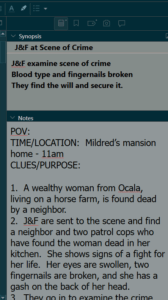 1. Making sure the scenes line up and flow smoothing and fill in the Synopsis box if I forgot to do it in Layer 4. I have a snapshot of the Synopsis box to the right or below. This allows me to look at my work in the Outline Mode where I can see the novel from a bird's eye view.