 This blog post will be a peek behind the author workflow in Layer 5 of my Novel Writing in Layers Series. I am writing Book 6, Majestic Landings, in my police procedural series, Jack Nolan Detective Series.
Let me set the table, so to speak, about where I am in the book right now. I just finished Layer 4 which is the Down and Dirty First Draft, which I believe is the hardest layer to write.
BEGINNING LAYER 5
 Above is a snapshot of the book as it now exists in Scrivener, which is the program I write Layers 1 to 6 in. I have gone ahead and filled in a few of the scenes so that I can explain to you what I do in Layer 5.
ON THE LEFT SIDE IS THE BINDER: The top folder is called draft, which is a default in Scrivener. Each sub-document is one scene in the novel. I also add in a few blank documents between Parts 1, 2, 3 and 4, so I can see how the story action is balancing inside the plot structure.
IN THE CENTER PANEL: This is where I write the scenes.
ON THE RIGHT SIDE IS THE INSPECTOR WINDOW: This section allows you to add a scene synopsis on another tab, but above, I have captured what it looks like on the Metadata Section.
WHAT HAPPENS IN LAYER 5?
This is my first layer of proofreading. I only focus on the following things in this layer of writing.
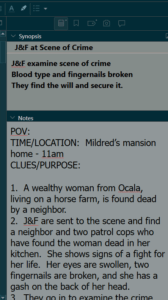 1. Making sure the scenes line up and flow smoothing and fill in the Synopsis box if I forgot to do it in Layer 4. I have a snapshot of the Synopsis box to the right or below. This allows me to look at my work in the Outline Mode where I can see the novel from a bird's eye view.
Since it's in the photograph here, I will also mention that I copy my scene outlines and paste them into the Notes section in case I want to review them.
2. I enter all of the character descriptions and location descriptions in this layer too.
3. I also check on the crime and investigation timeline as well as the novel timeline.
3A: The crime timeline I track with the metadata, which I will mention again below. I also use the Scrivener Highlighter to set off anything that references the crime timeline. This way, towards the end of this layer, if I decided to tighten up the timeline or find out I need a little extra time, it is very easy to quickly scroll through the novel and find any references to the timeline easily.
 3B: All novels have a timeline too. A crime novel is usually a day to several weeks; whereas Gone with the Wind cover years and years. In each scene, I start with a little template referencing the point of view, the time/location and the clues/purpose.
As stated above, I read through the scenes, making sure that the last scene flows into the next scene. For example: If my detectives 'get into the car to return to the station,' I make sure I'm not referencing where they were before they got into the car, and stating again that they are entering the car.
I also watch my novel timeline to make sure the timing in the day is lining up with what's possible for human beings. In my humble opinion, authors have a lot of leeway to stretch the day, if needed, but if we go overboard, at some point, it pulls the reader's mind out of the book when they realize there's too much activity for one day as humans. By keeping an eye on the novel timeline, this prevents me from stretching a little too much.
THE METADATA - HOW AND WHY TO ADD CUSTOM META DATA.
 Some authors probably don't use the metadata section and that's fine. But I like to look at the novel in the Outline Mode and this is where the custom metadata comes into play.
Every novel is different, so I am focusing on different things in each one. In this novel, there are multiple suspects, all of whom have shaky alibis, so the crime timeline and some other things are very important. So in this novel, I created metadata sections as follows:
- Major Event - What happens in the scene
- Technical information - Names, addresses, where body was found, first witness, etc.
- Clues dropped - Chronological list of clues that drop
- Time Line of the Crime - Time of death, time body was found, etc.
- Relationships - Romantic Subplot and Character Arcs
WHAT'S NEXT IN LAYER 5?
Once I proofread all the way through, add in the descriptions, and my meta data, then I want to look at certain things to check on myself. I can set up the Outline Mode so I can see the Synopsis, the Clues, and the Crime Timeline side by side. I will post a picture below.

I can then look closely to make sure I don't mention a lab report that hasn't been delivered. Or one of the suspects is mentioned before anyone points them out, things like this.
I can see the chronology of the clues that have dropped to make sure that they are chronologically correct. I'm sure you get the drift.
My color scheme in Scrivener may make some of these things hard to see, so I have posted the Custom Metadata diagram below so you can see where things go and what the icons look like.
 After looking at the various meta data in this bird's eye view setup, I'm ready to enter Layer 6, which is another round of proofreading; and again, I only focus on a few things.
I have done a short video about this in case you want to see me go over it inside Scrivener. There is a bit more information here for beginners, but it's good to watch it live too.
Be sure to check back to see another Live Peek Behind Layer 6! Be aware that I am not proclaiming myself as an expert novelist or the knower of all things. However, I used to search all the time for authors' workflow, but nothing ever showed up. I believe I could have advanced a lot faster if I had tips from more season's authors and that's my purpose here.
By seeing how one author does things, you may only take away one tip that will help you in the system you already use. I hope this blog post helps!
Writing a Novel in Layers:
First - A Little About the Chronology of a Crime
Writing a Novel - Layer 1
Writing a Novel - Layer 2
Writing a Novel - Layer 3
Writing a Novel - Layer 4
Writing a Novel - Layer 5
Writing a Novel - Layer 6
Writing a Novel - Layer 7
Writing a Novel - Layer 8
Free eBook Download
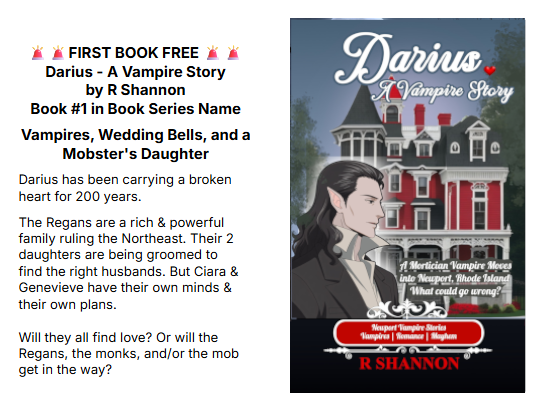
Ready for a Vampire Series
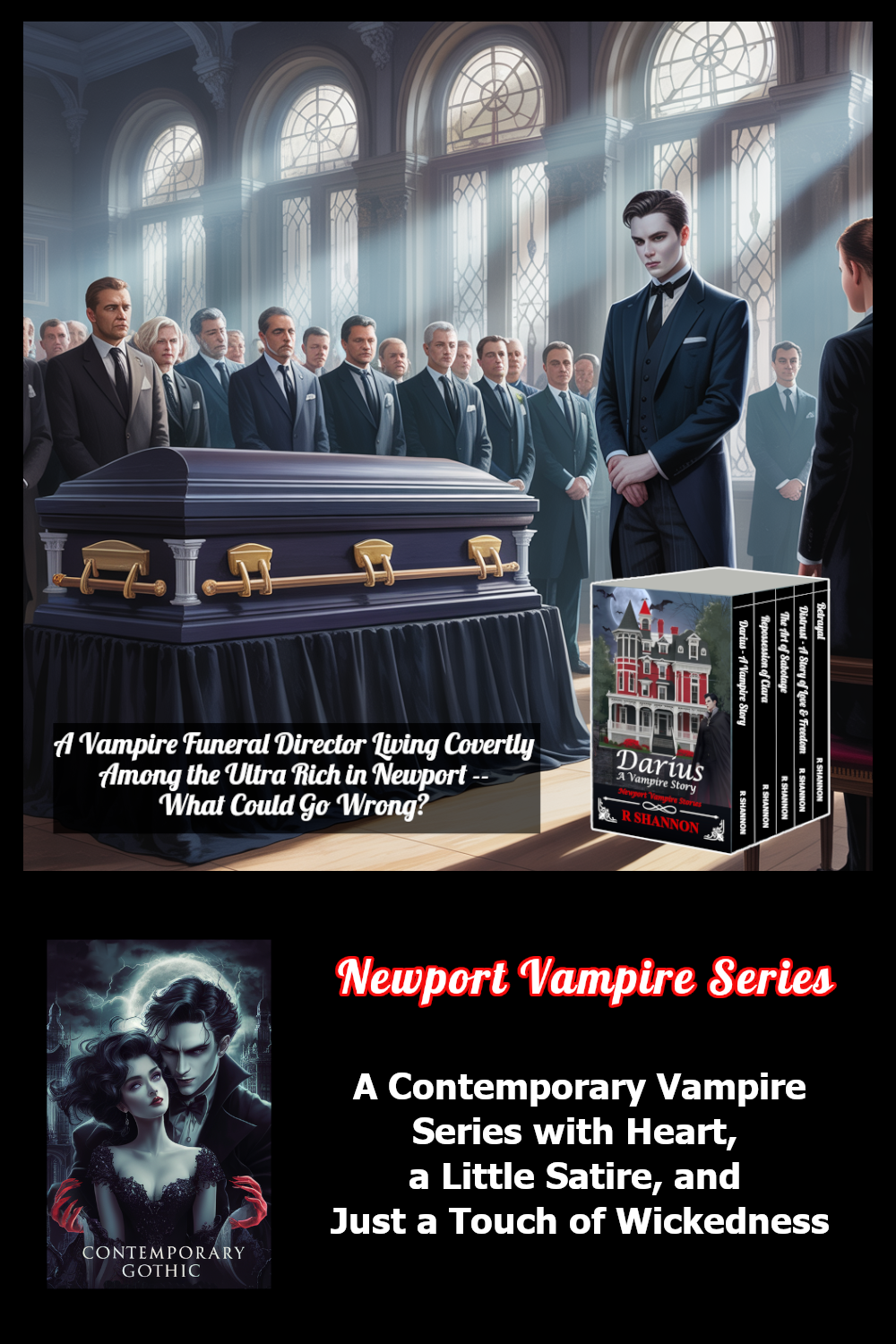
Click the graphic to see the entire series
Downloadable Reading Chart
Mallardi Private Investigations Series
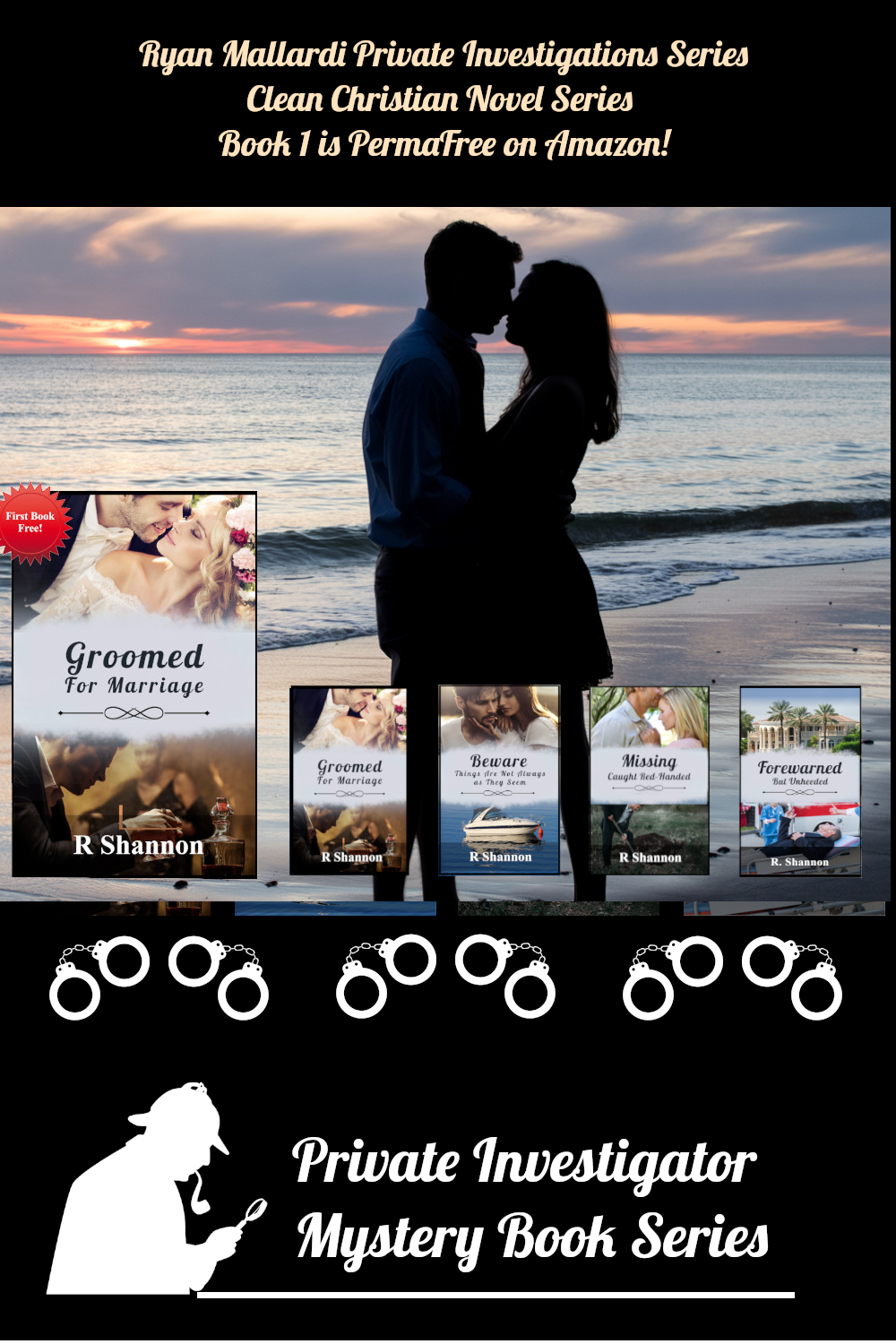 Click the graphic to see the entire series.





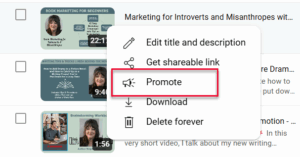 After you upload a video to YouTube, and click on the "content" tab on the menu on the left side, a list of your videos will pop up.

 For the next two weeks when this ad runs, I will make sure I have the following elements for my book entitled Beware - Things Are Not Always as They Seem:
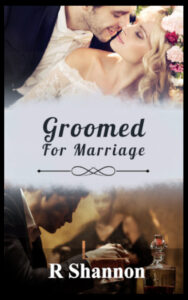 Some of you may wonder why I would target a second book in a book series. My first book, Groomed for Marriage, is permafree on Amazon, which was done through a program they call price-matching. By giving away Book 1, I get new readers who have nothing to lose to try my book and often, they read through the series.




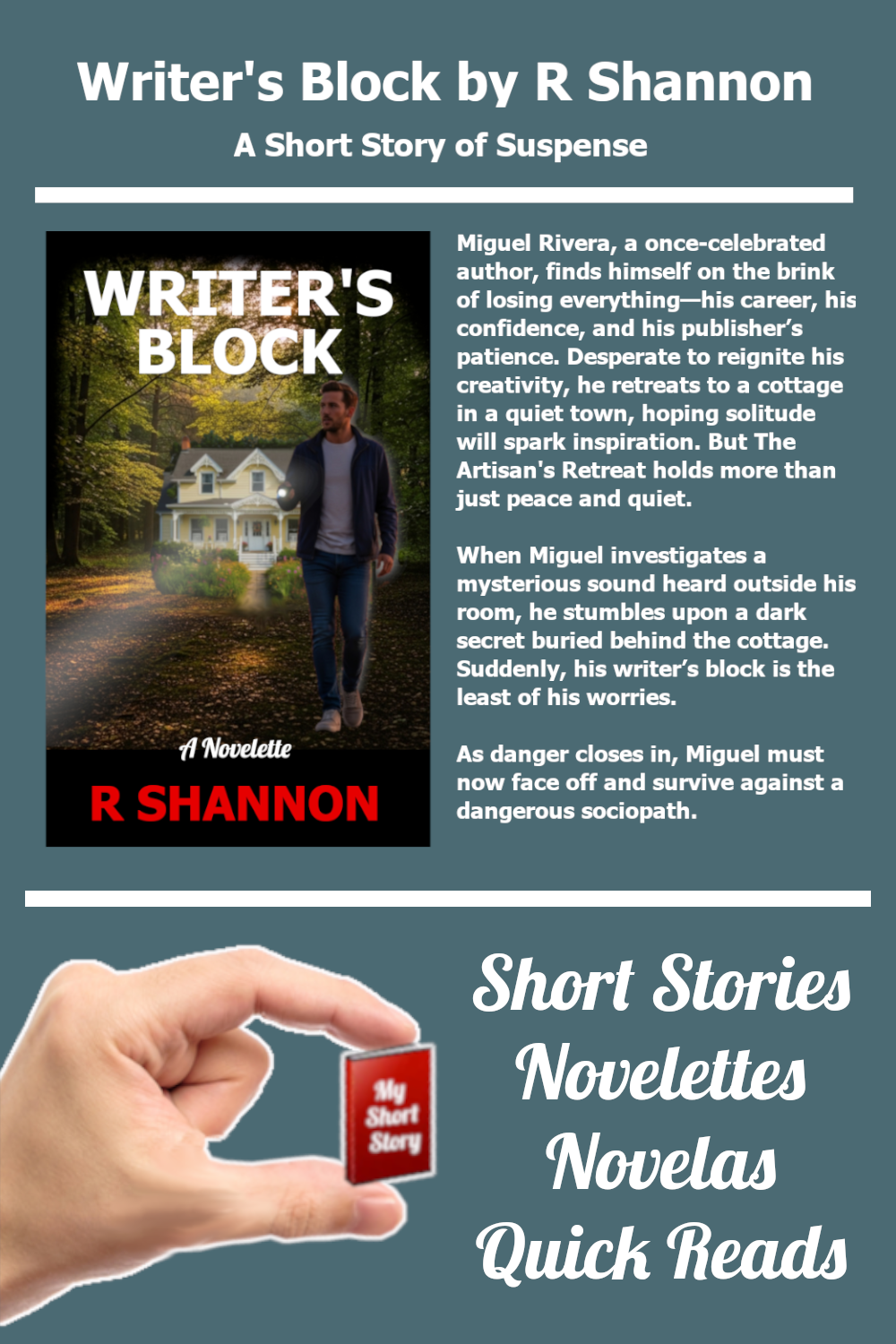


 If you don't have a website, you can use a Google form or other online-hosted form to create a questionnaire.
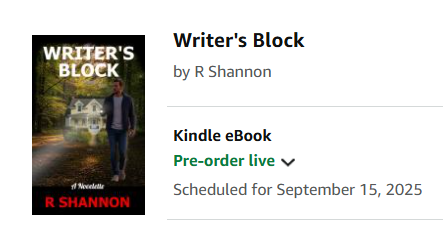 Everything that comes after this point will require an ASIN number and/or a ISBN number which you don't get until you actual upload the book. I use the KDP-assigned numbers, so they are assigned to the book when uploaded. If you use your own ISBN numbers, you may be able to do a few of the following procedures without uploading your book.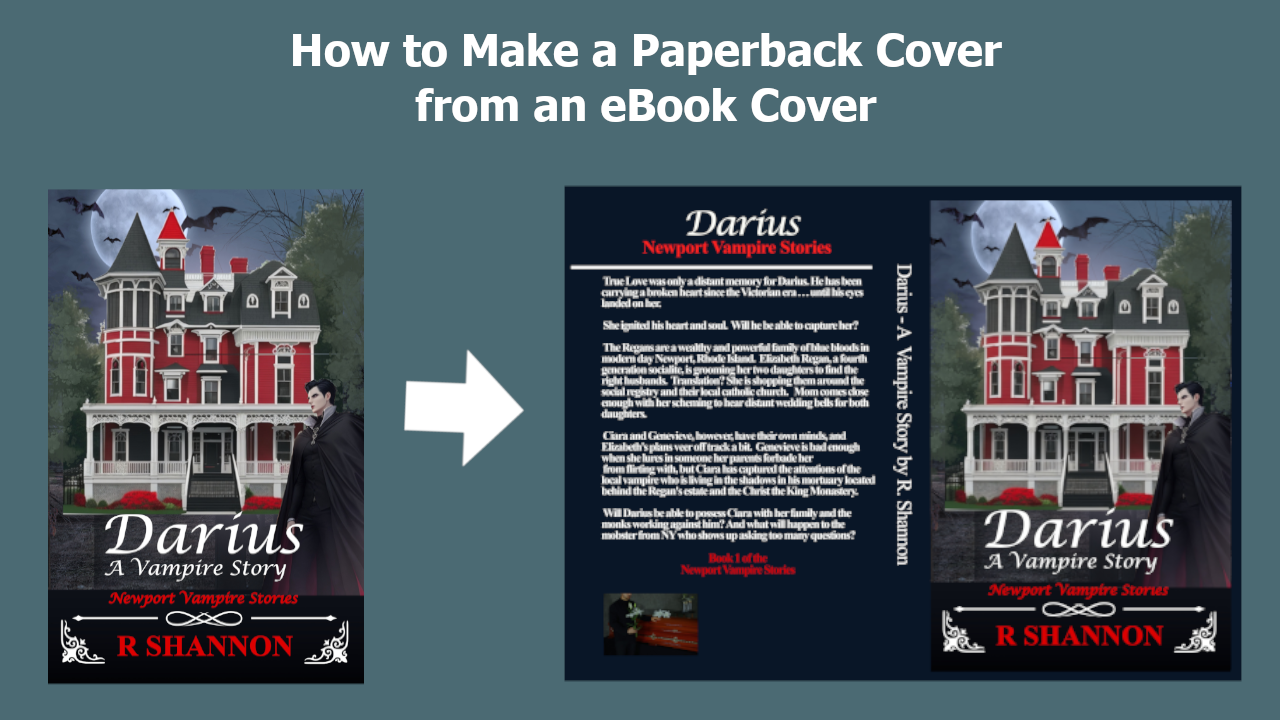
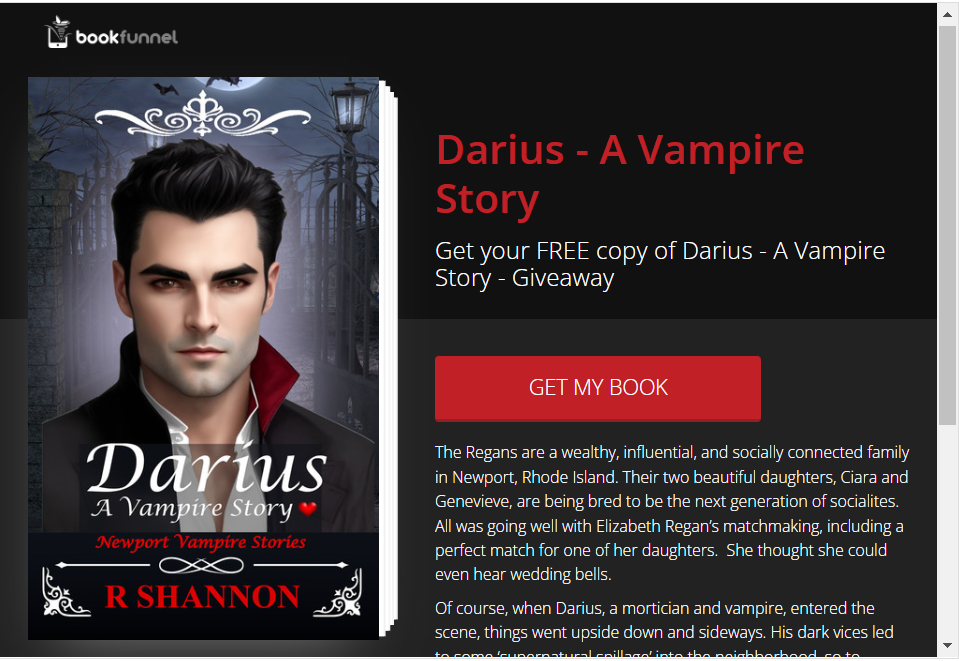 Giving away your book for free is the most cost-effective method of advertising -- bar none. I always give away my books and don't understand the argument new authors make for refusing to give away 'their work'. In my opinion, everyone who reads and likes a free book will be ready to purchase a second, third, or fourth book by you.